From your room to a styled, shoppable space.
One photo of your room, a style you choose, and pieces you can actually buy.
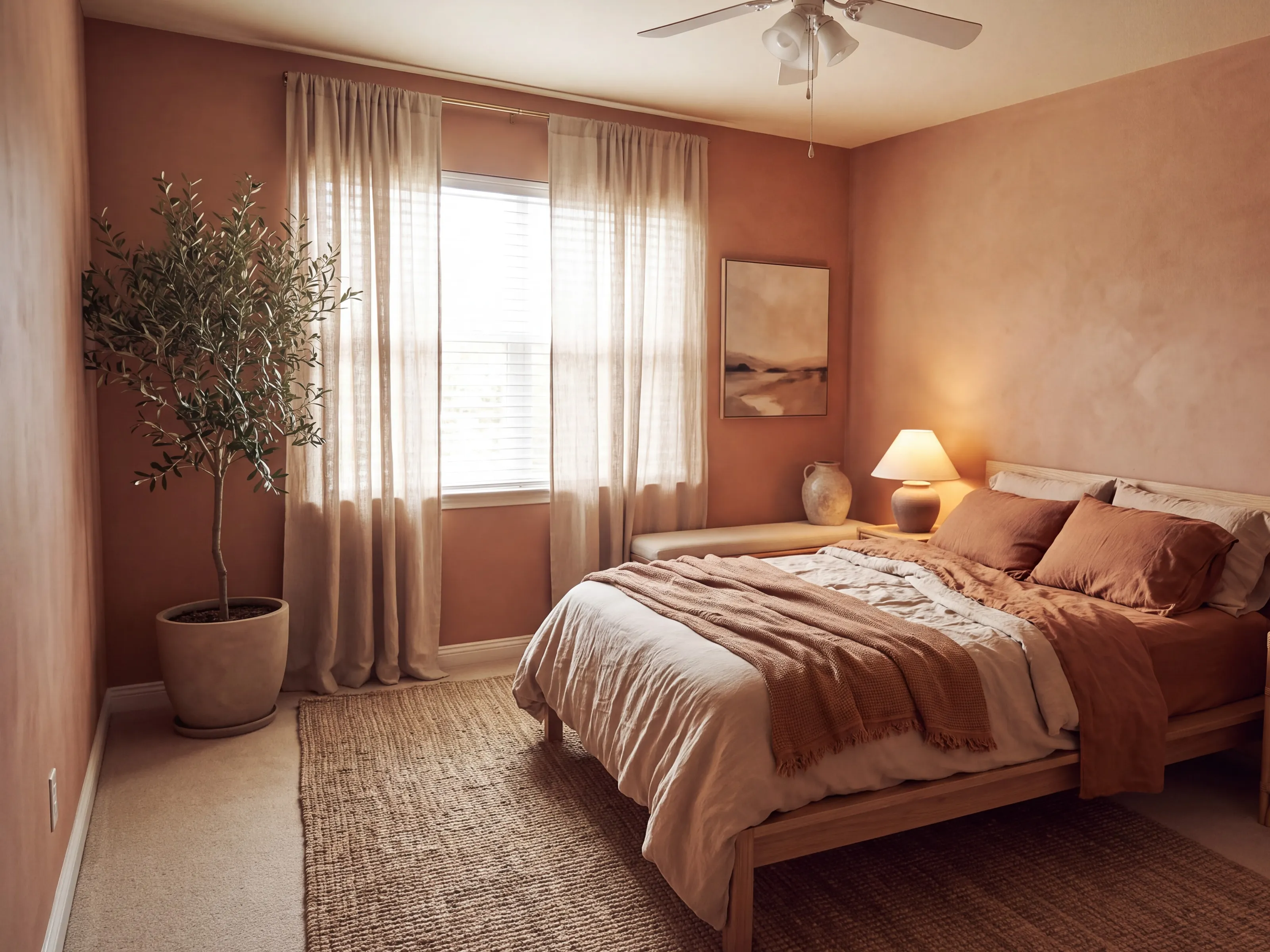
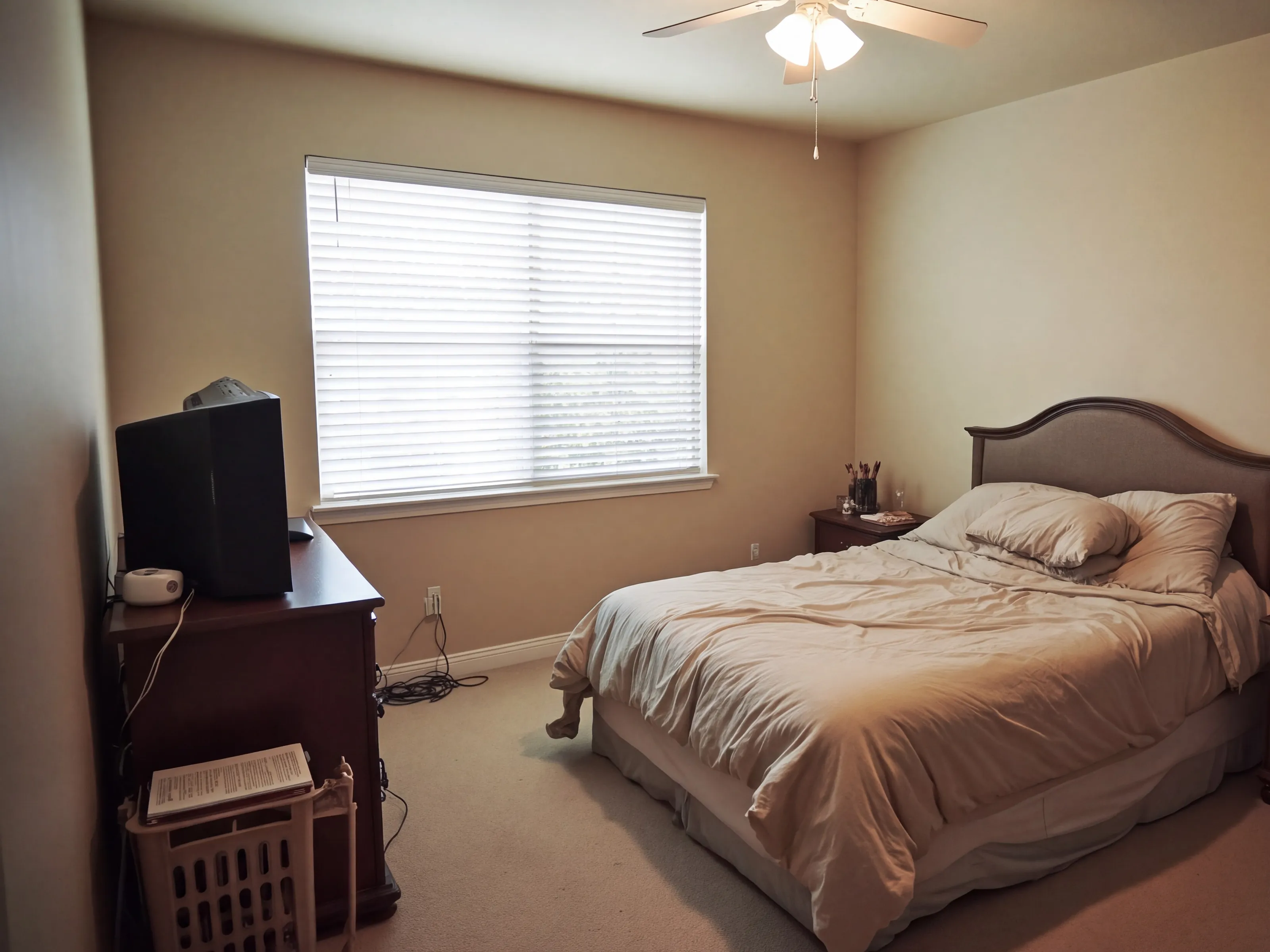
From photo to shopping list
Your first render is free. Open the Room Designer
- 1Upload a photo
One photo of the room as it is. No need to tidy.
- 2Pick a style
Tap through the styles. Each one shows an example room.
- 3See it redone
Same walls, windows and floor, in your style.
- 4See it at night
With Unlimited, the same room relit for the evening.
- 5Tap a piece to shop it
Each dot is a real piece from our catalog.
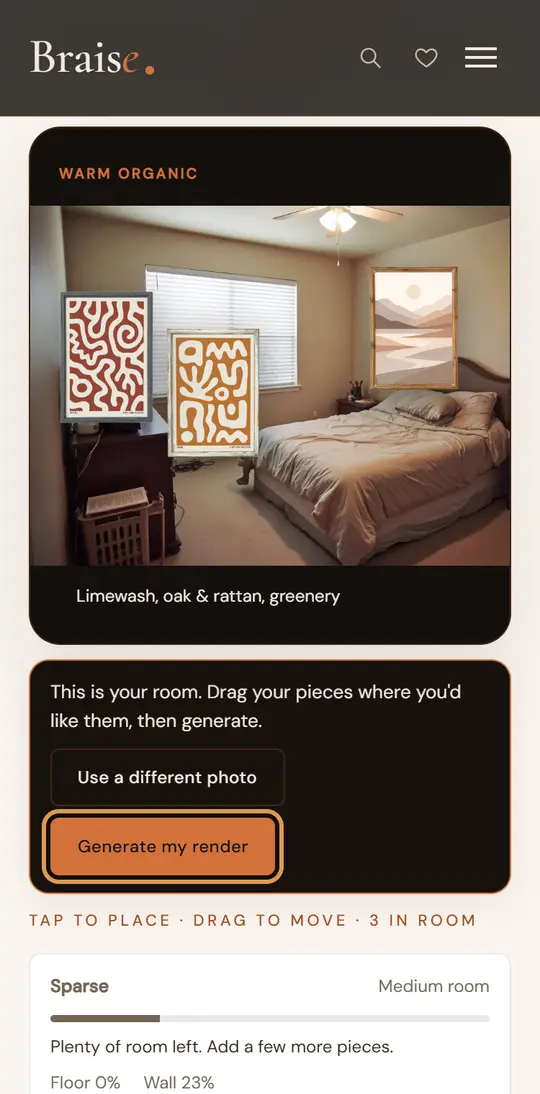
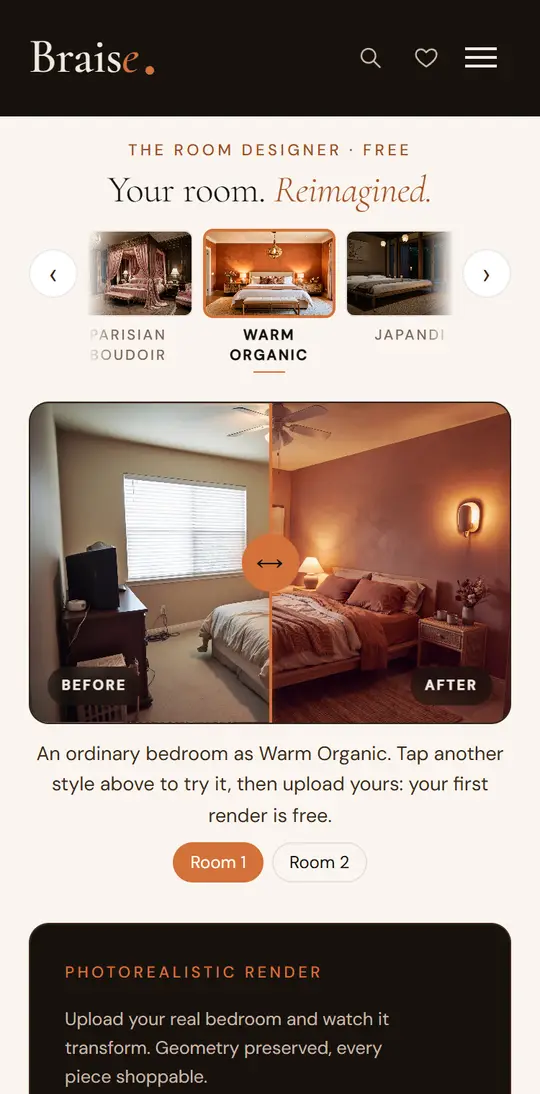
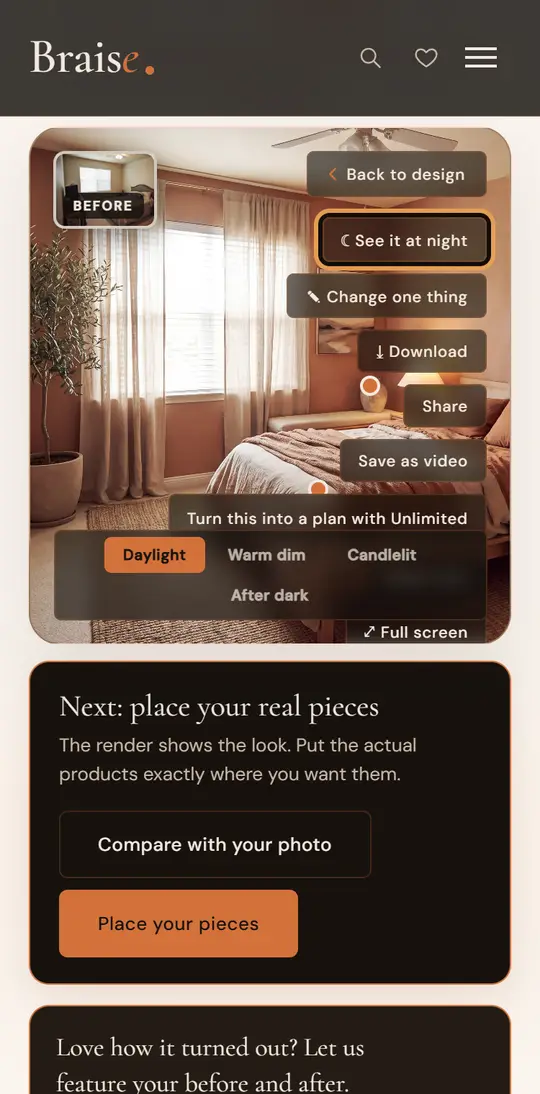
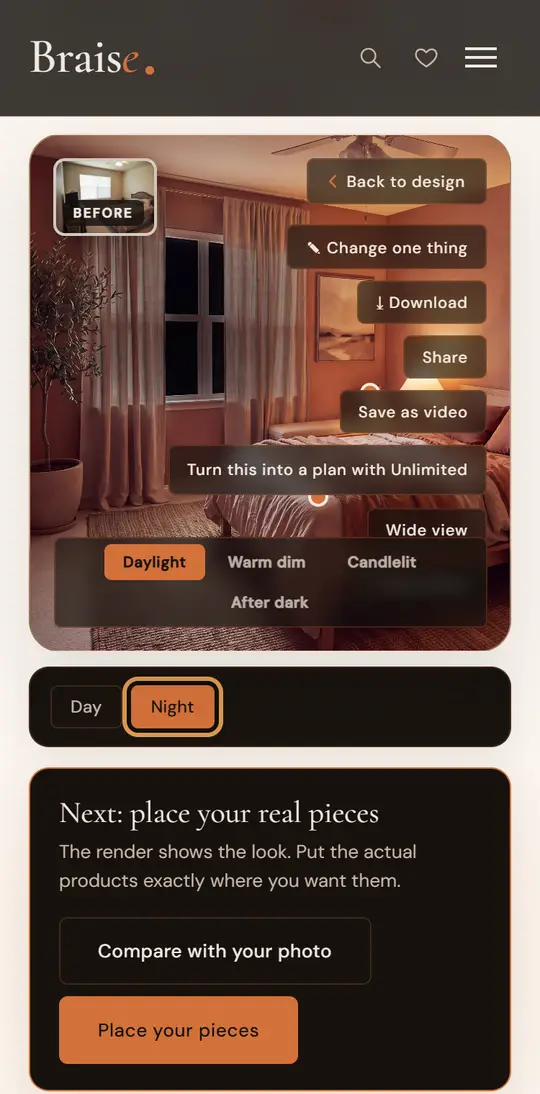
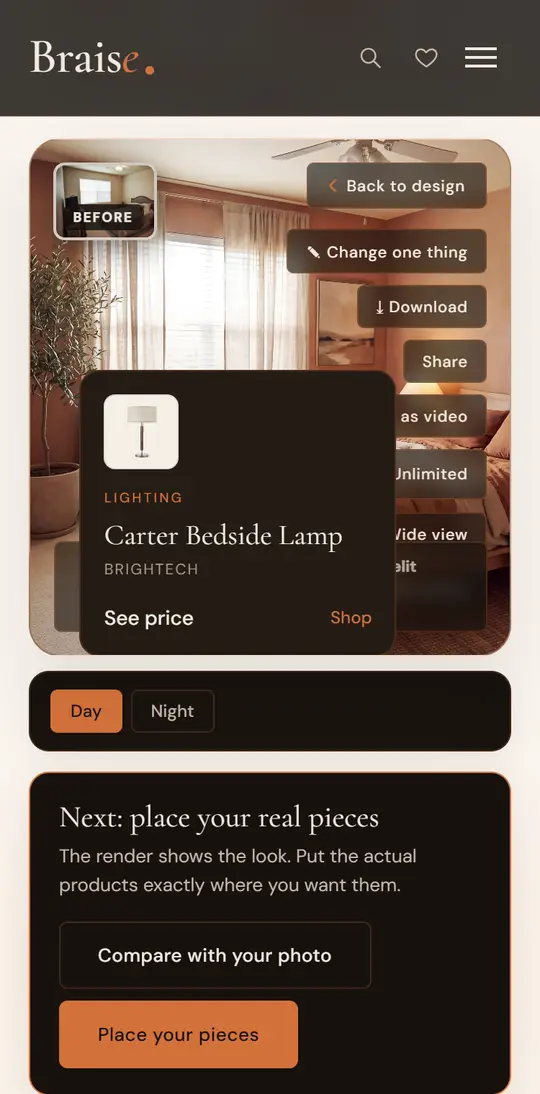
We pin up to six pieces, each linking to a place to buy it or to our review. The furniture in a render is the AI's take on your style, so a pinned piece is the closest match we carry, not always the exact item. Pair it with the Budget Planner for a running total.
Why not a chatbot, or a designer?
It's built for this room
A general chatbot often refuses or sanitizes an intimate room. Braise is made for exactly this.
It stays your actual room
Braise reads your room's real architecture, then restyles only the surfaces and furnishings, at its true proportions.
You can actually shop it
Pieces are matched to our reviewed catalog with real prices, checked for fit and totaled up.
A real person when you want one
The render is free to start. A live design session, a LiDAR scan you take on your own phone and a ready-to-buy cart run from a $49 report to our $499 Signature service.
Private with a sensitive photo
Chatbots often reserve the right to train on uploads. Braise deletes your photo after the render unless you choose to share it. Billing is discreet too.
How to photograph your room
A minute of care with the photo makes more difference than anything else.
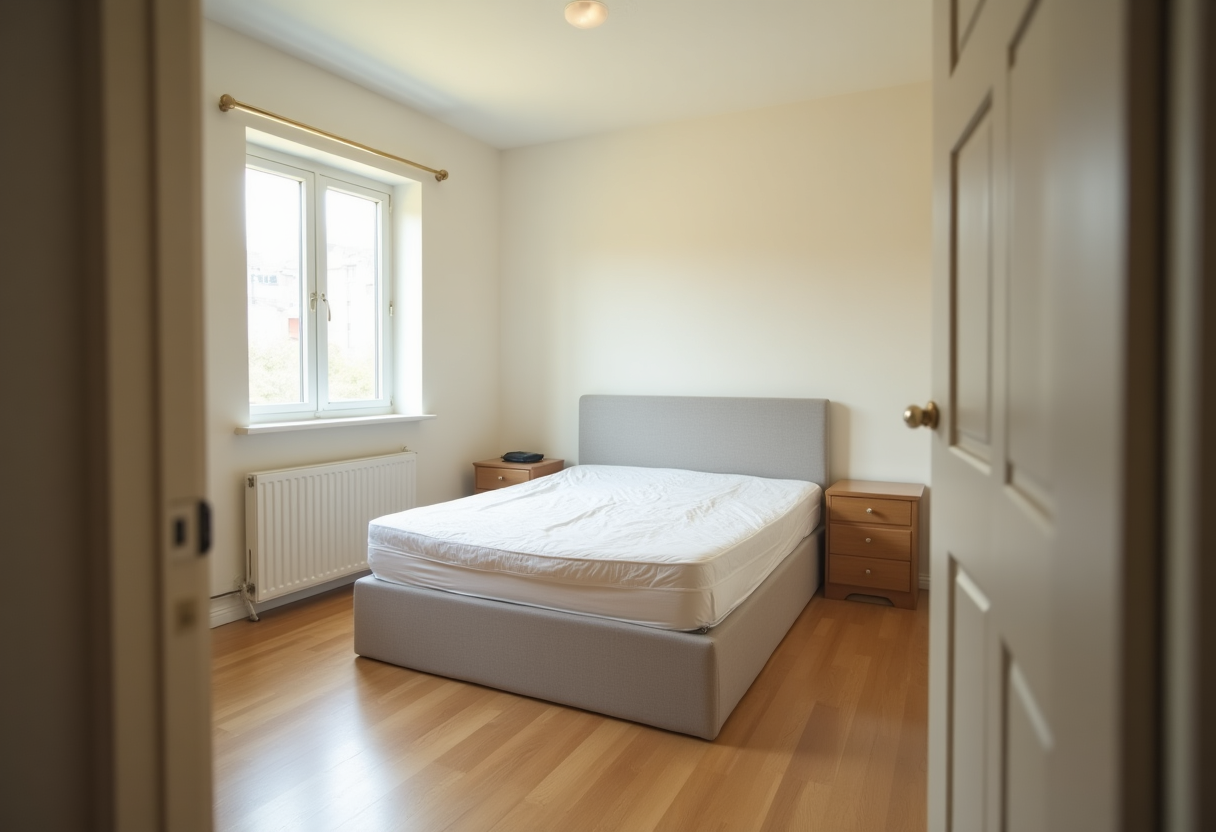
Standing in the doorway, phone sideways and held level, whole room in frame, curtains open. That's the entire technique. There's nothing to set up and no particular phone required.
What goes wrong, and why it matters
These are the four we see most. The render can only work with what the photo actually shows, so each of these costs you accuracy in a specific way.
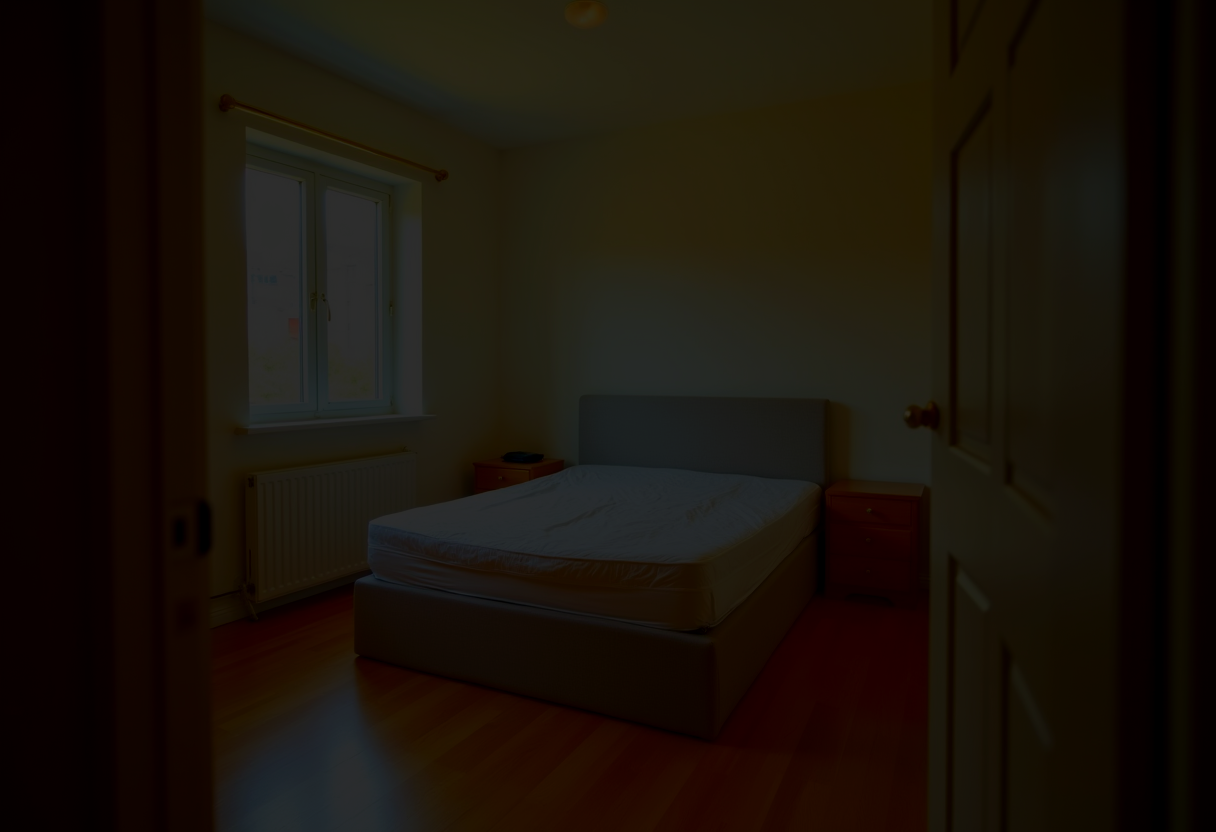
The model can't make out your walls or floor, so it invents them. What comes back is a nice room that isn't yours.
The fix: Open the curtains, or switch every lamp on.
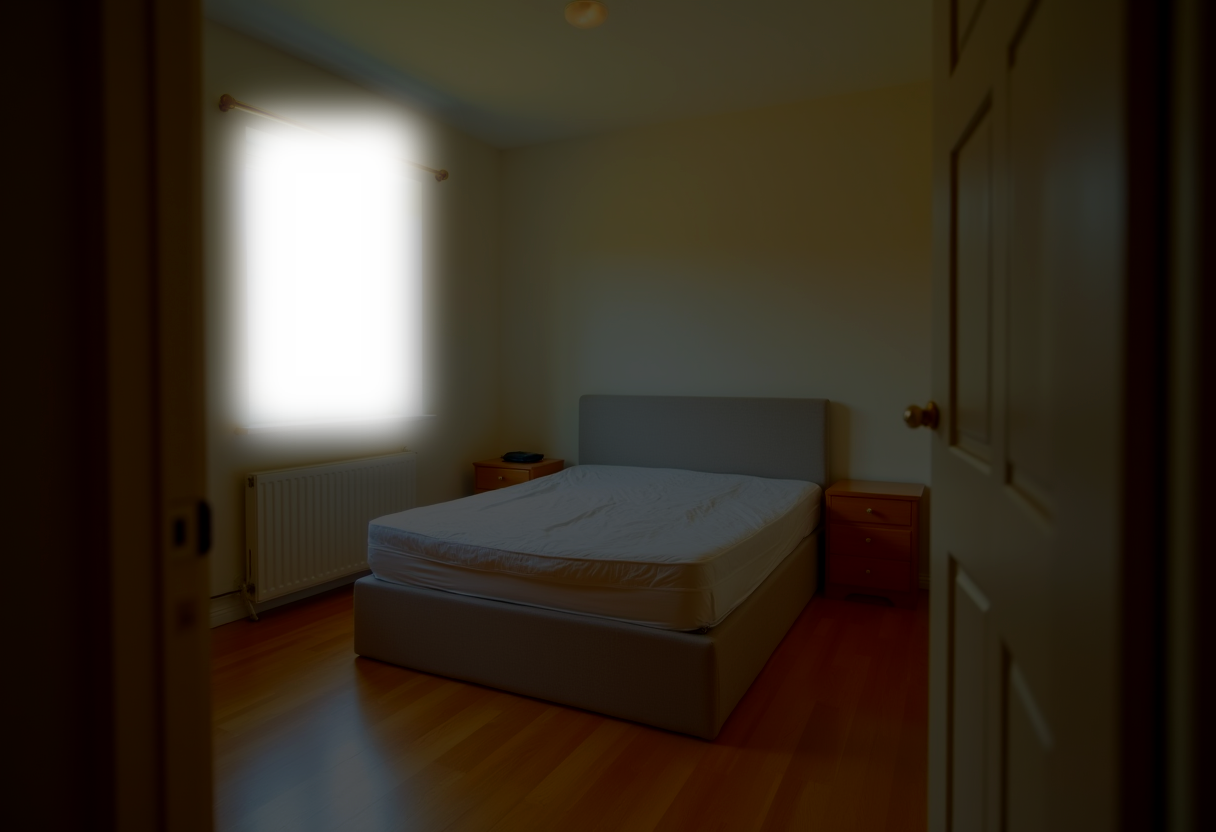
The window blows out and everything else drops to silhouette. Wall color, flooring, and furniture all become guesses.
The fix: Put the window behind you or off to one side.
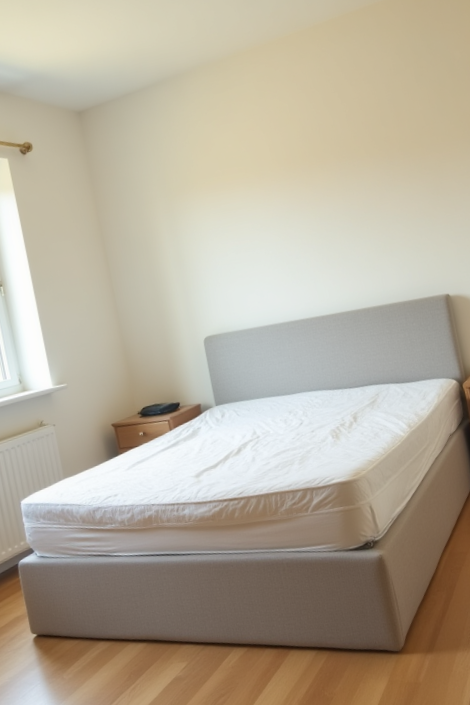
Half the frame is ceiling and the floor is cut off, so the proportions come back wrong: the room reads taller and narrower than it is.
The fix: Turn the phone sideways and hold it level, about chest height.
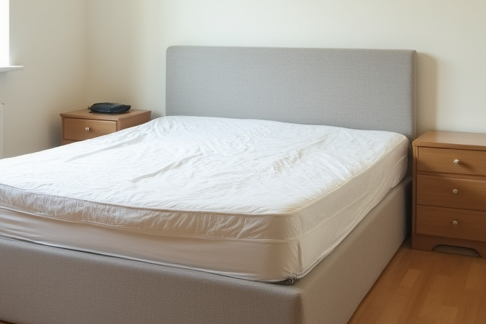
There's furniture in the photo but no room. With no walls or floor to work from, there's nothing to restyle.
The fix: Back up to the doorway and get the whole space in.
Examples are generated illustrations of each mistake, not customer photos.
Keep people and pets out of the frame; our terms require it. Put away anything you'd rather not see reinterpreted. A clear view of the walls and floor is enough.
Your photos stay private
- Saved privately
Finished renders save to your account. Not public, not browsable, not shared with other members.
- Photo deleted
The photo you upload is deleted once your render is done.
- Sharing is your call
We ask once if we may feature your before and after. Only a yes sends us the photo again.
- If you share
We strip location and camera data, keep it private and review it first. Most never appear. Same for a photo of the room you built.
- Withdraw any time
From your account. It comes off the site right away and the shared photos are deleted.
- Only you can see them
Your saved rooms open through short-lived links made for your account.
- Delete a room
Deletes the render and any photos you shared, and takes down anything we featured. It can't be undone.
- Never sold
We never sell your images.
A note on what you're seeing
A render is a styled mood board for your actual room, not a product photo. Everything we recommend clears the same bar as the rest of the site: see our editorial standards.